LSystemsMaya
Basic L-System rewriting with geometric interpretation in Maya
Basic L-System rewriting with geometric interpretation in Autodesk Maya.
Installation
If you're not familiar with Git, just keep it simple:
- Download this project as a ZIP file (click the green button on the right side of the GitHub page).
- Unzip the contents anywhere (e.g., your Desktop).
- Open
startScript.pywith a text editor (e.g., Notepad). - Copy all the code.
- Paste it into Maya’s Script Editor.
- Execute the code.
- When prompted, select the
scriptfolder inside the unzipped folder. - The UI should appear — click on "Instructions" to get started.
This setup method was adapted from Jared Auty's scripting project, available
.Usage
The UI is designed for usability — including a Help Line and an Instructions Button.
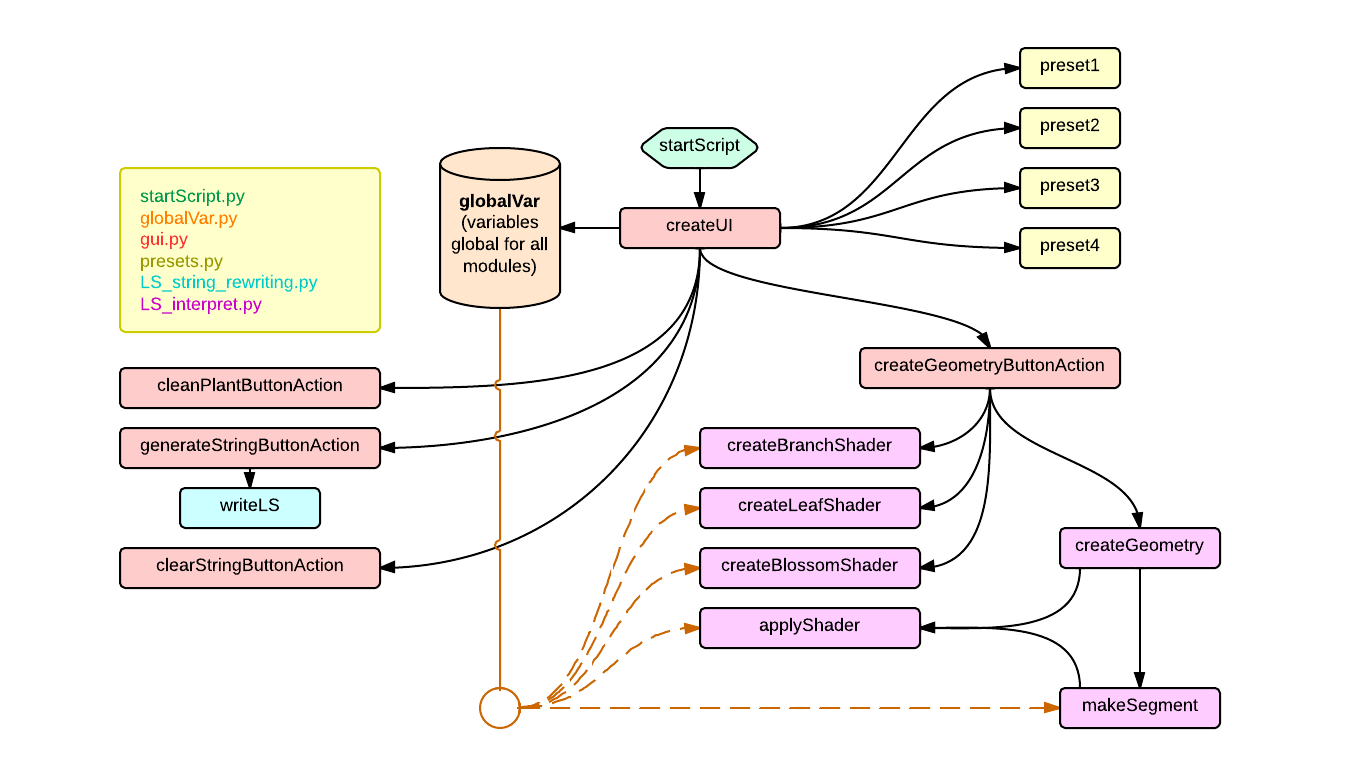
To understand what’s happening behind the scenes, here's a visual overview of the module structure:
What are L-Systems?
"An L-system is a parallel rewriting system and a type of formal grammar..." — Wikipedia
In simpler terms:
- Start with a character (e.g.,
F) — called the Axiom. - Apply rules like
F → XFto rewrite the string. - Each iteration increases complexity. The number of iterations is the Depth.
- You can assign probabilities to rules — this gives you a Stochastic L-System.
How do they relate to plants? (Turtle)
To turn text into shapes, we use the Turtle graphics concept. Imagine:
- You control a turtle (named Leonardo).
- He moves and turns on command, leaving a trail.
- You can push and pop his state (save/restore position and direction).
This is how we interpret L-System strings geometrically.
Grammar Used in This Project
| Symbol | Meaning |
|---|---|
F | Move forward |
f | Move forward |
L | Leaf |
B | Blossom |
+ | Rotate +X (yaw right) |
- | Rotate -X (yaw left) |
^ | Rotate +Y (roll right) |
& | Rotate -Y (roll left) |
< | Rotate +Z (pitch down) |
> | Rotate -Z (pitch up) |
* | Rotate 180° (turn around) |
[ | Push turtle state |
] | Pop turtle state |
Examples
Basic overview using 3 presets:
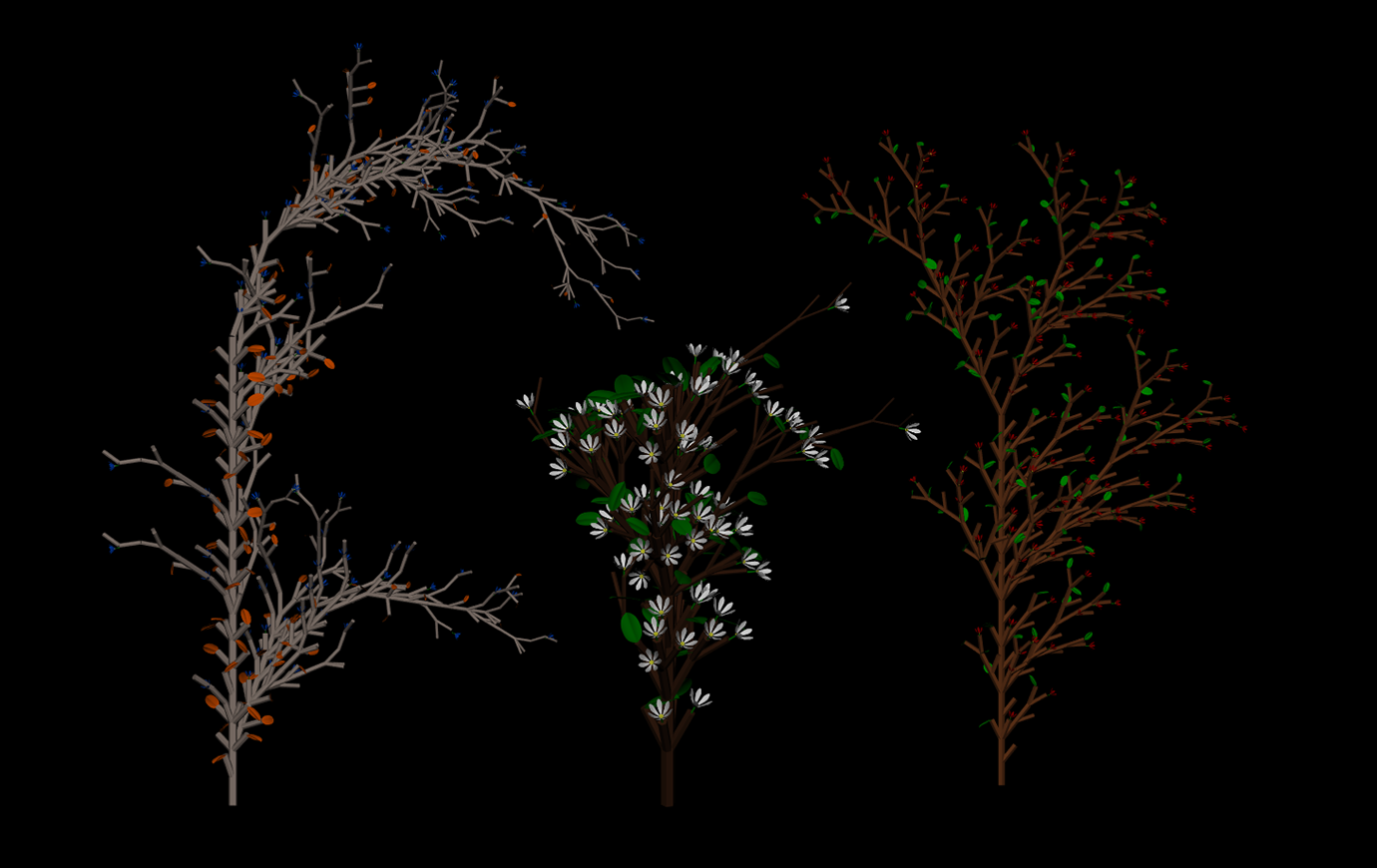
Preset 1
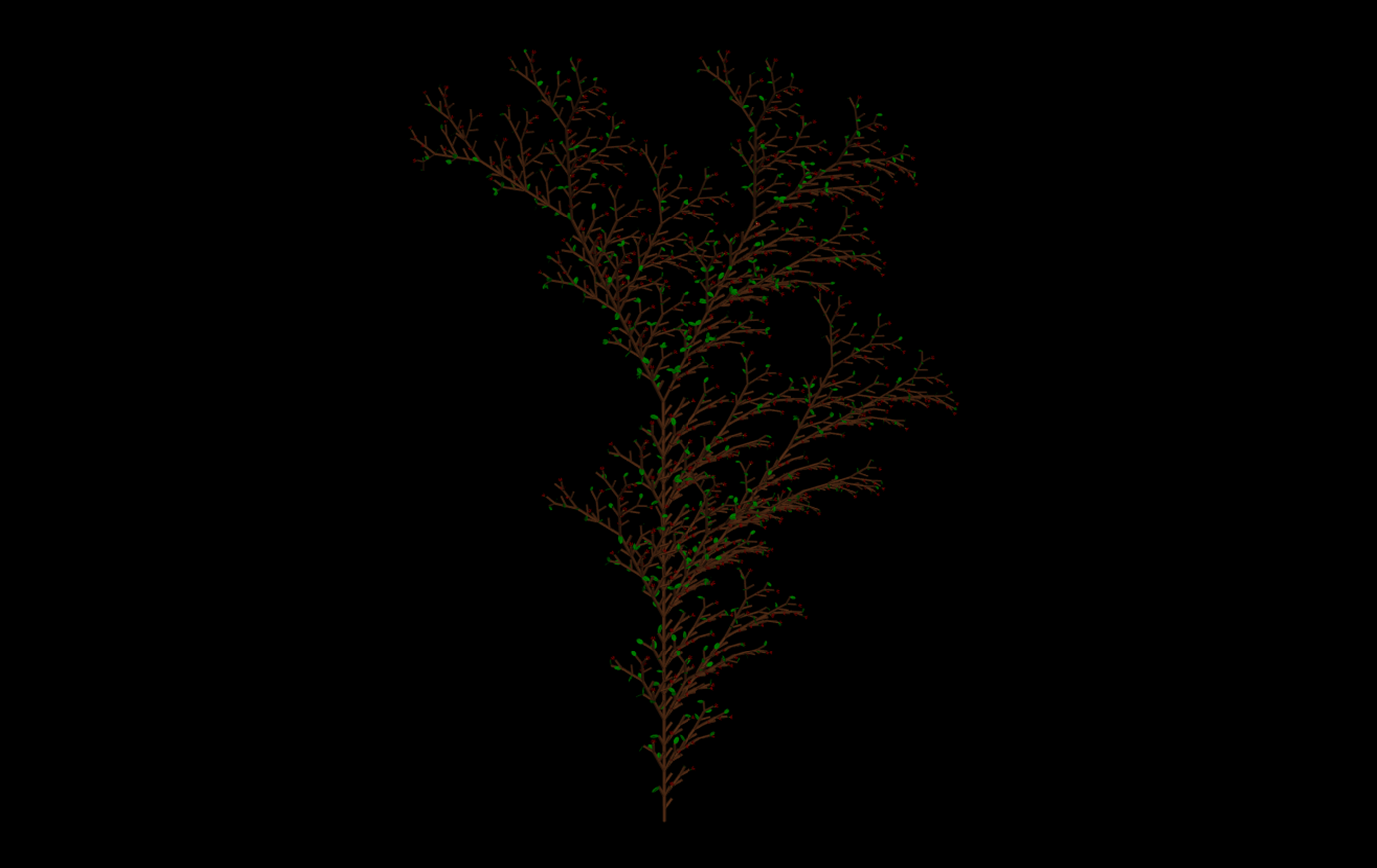
- Axiom:
F - Rules:
F → F[&+F]F[->FL][&FB] - Depth: 5
- Angle: 28°
Preset 2 – Stochastic
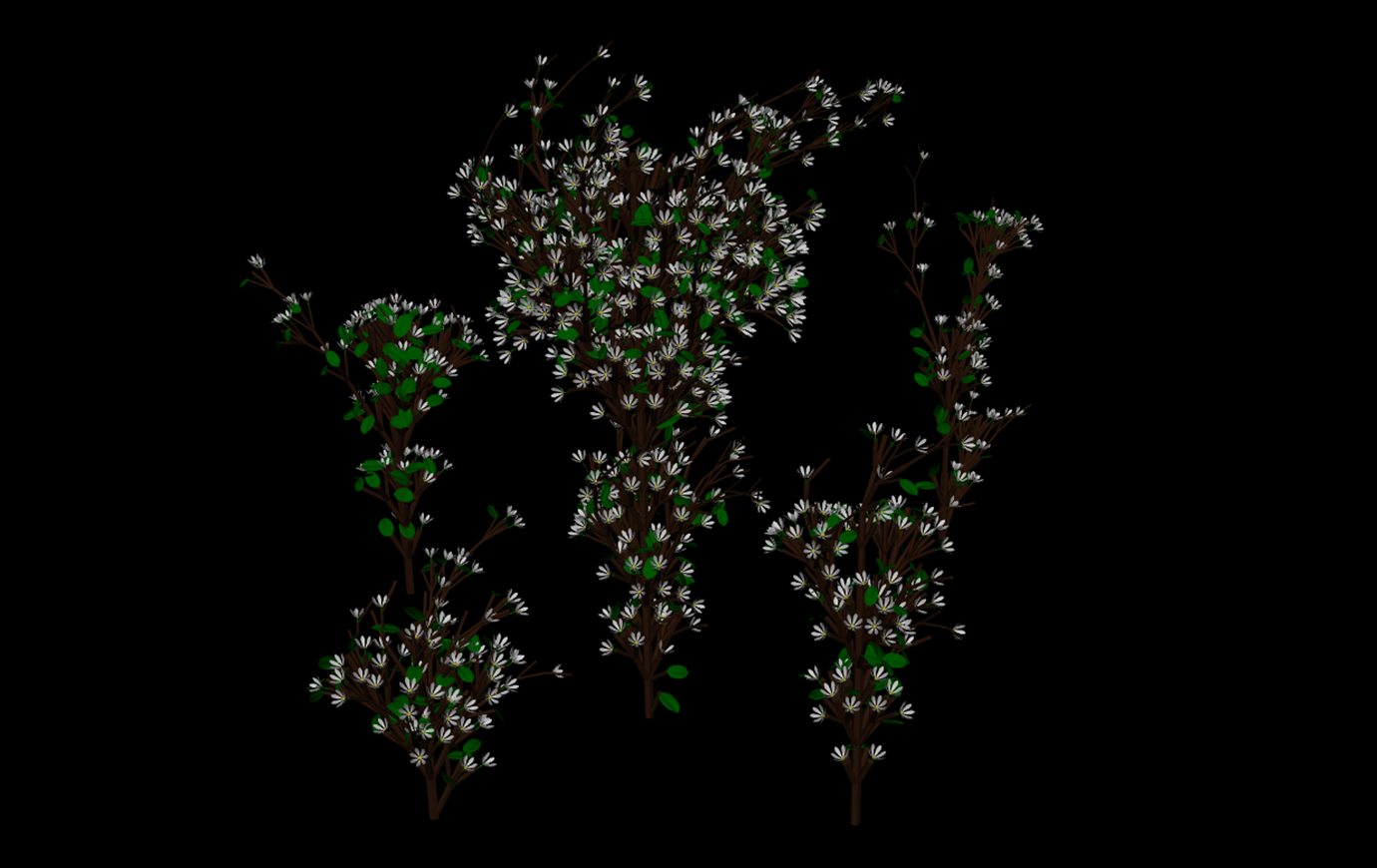
- Axiom:
F - Rules:
- 70% →
F → F[+FL][-FB][&FL][^FB]F - 30% →
F → [-FL]F[F[-FB-&&>F][&>F]]
- 70% →
- Depth: 3
- Angle: 25.7°
Preset 3 – Stochastic
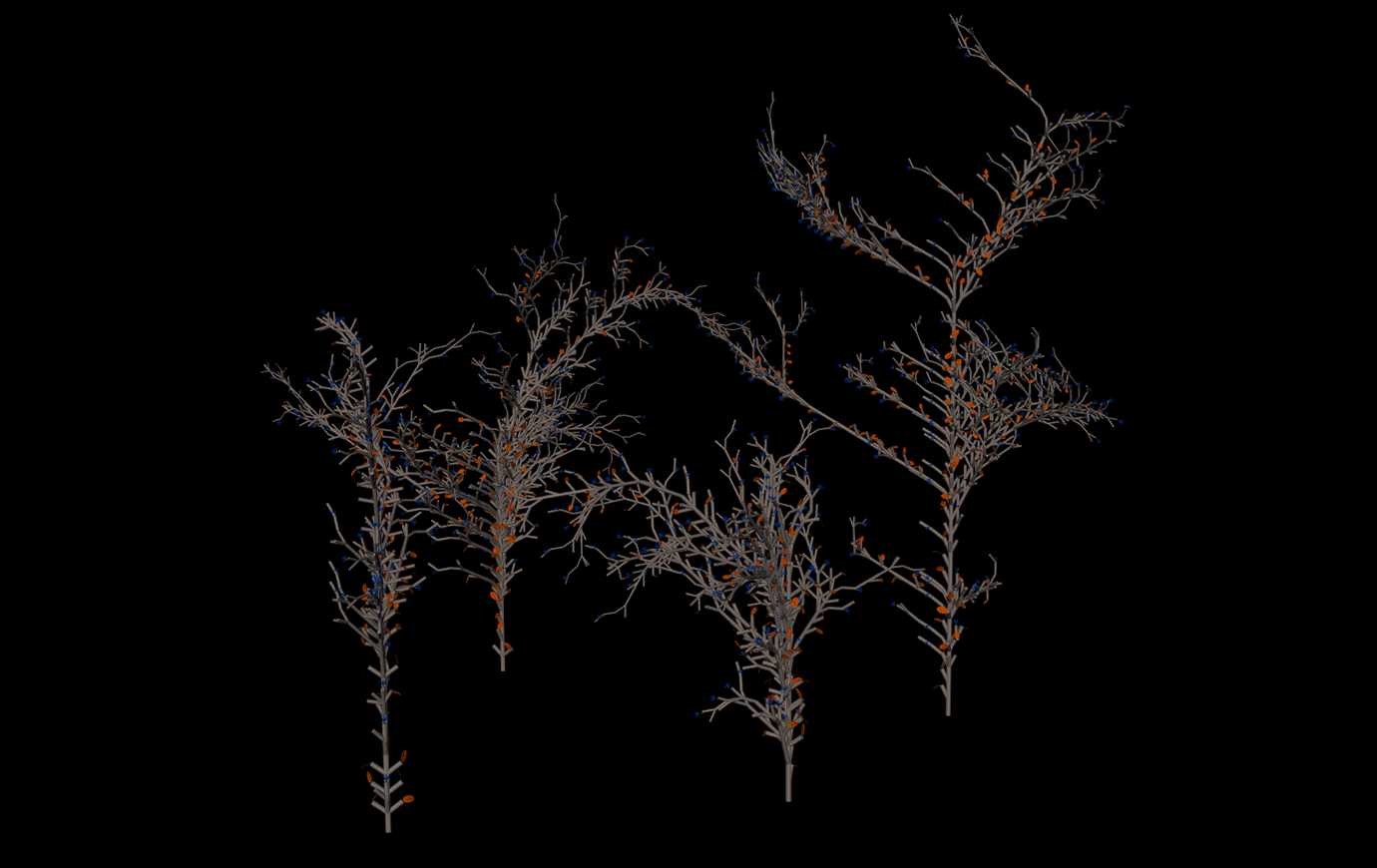
- Axiom:
S - Rules:
- 33% →
S → S[>>&&FL][>>^^FL]S - 33% →
S → S[-FL]F[S[-F-FB-&&>S][&>F][+S]] - 34% →
S → S[+S[-FB][&>S]]
- 33% →
- Depth: 6
- Angle: 26.5°
Sierpinski Triangle
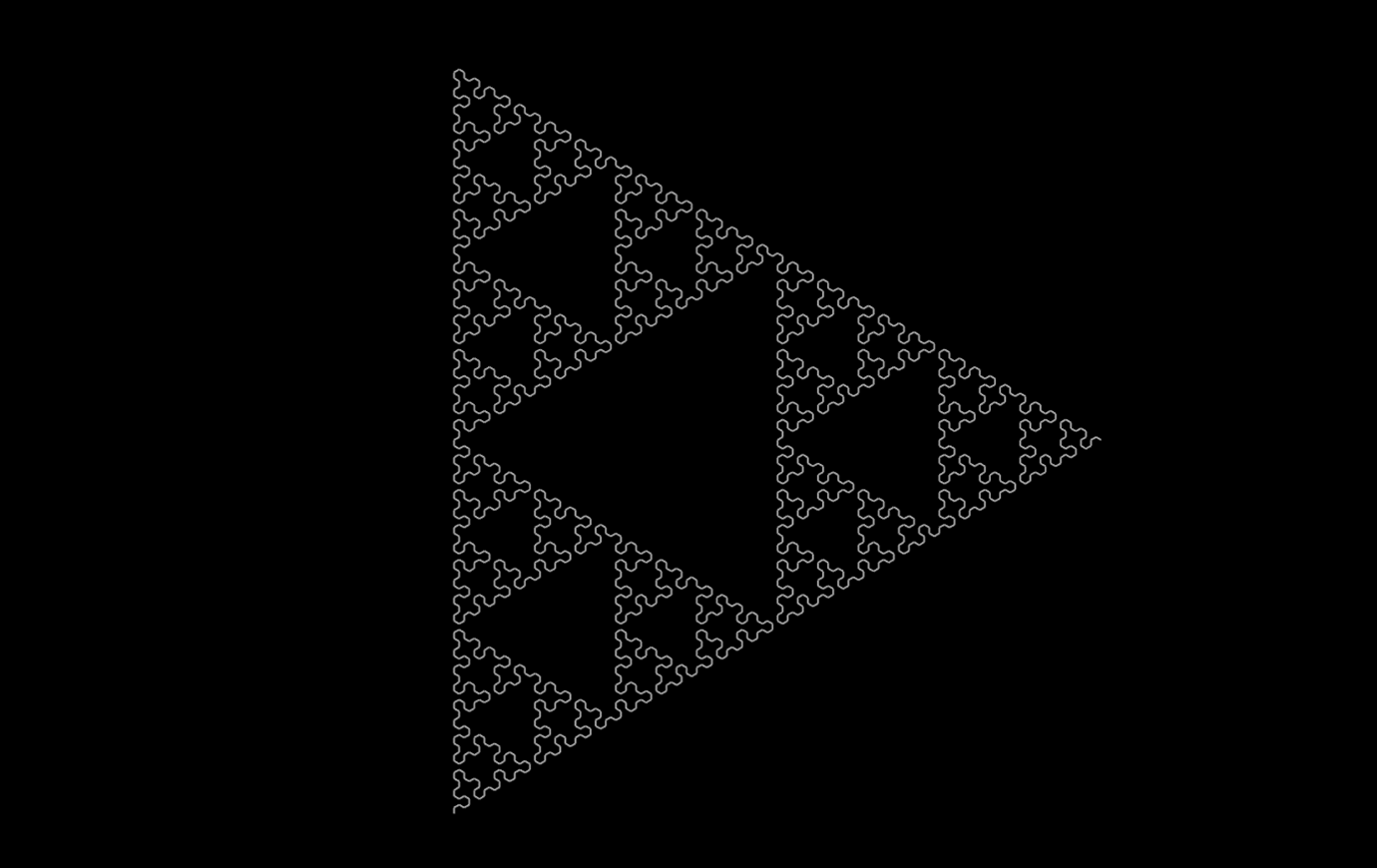
- Axiom:
F - Rules:
F → X-F-XX → F+X+F
- Depth: 6
- Angle: 60°
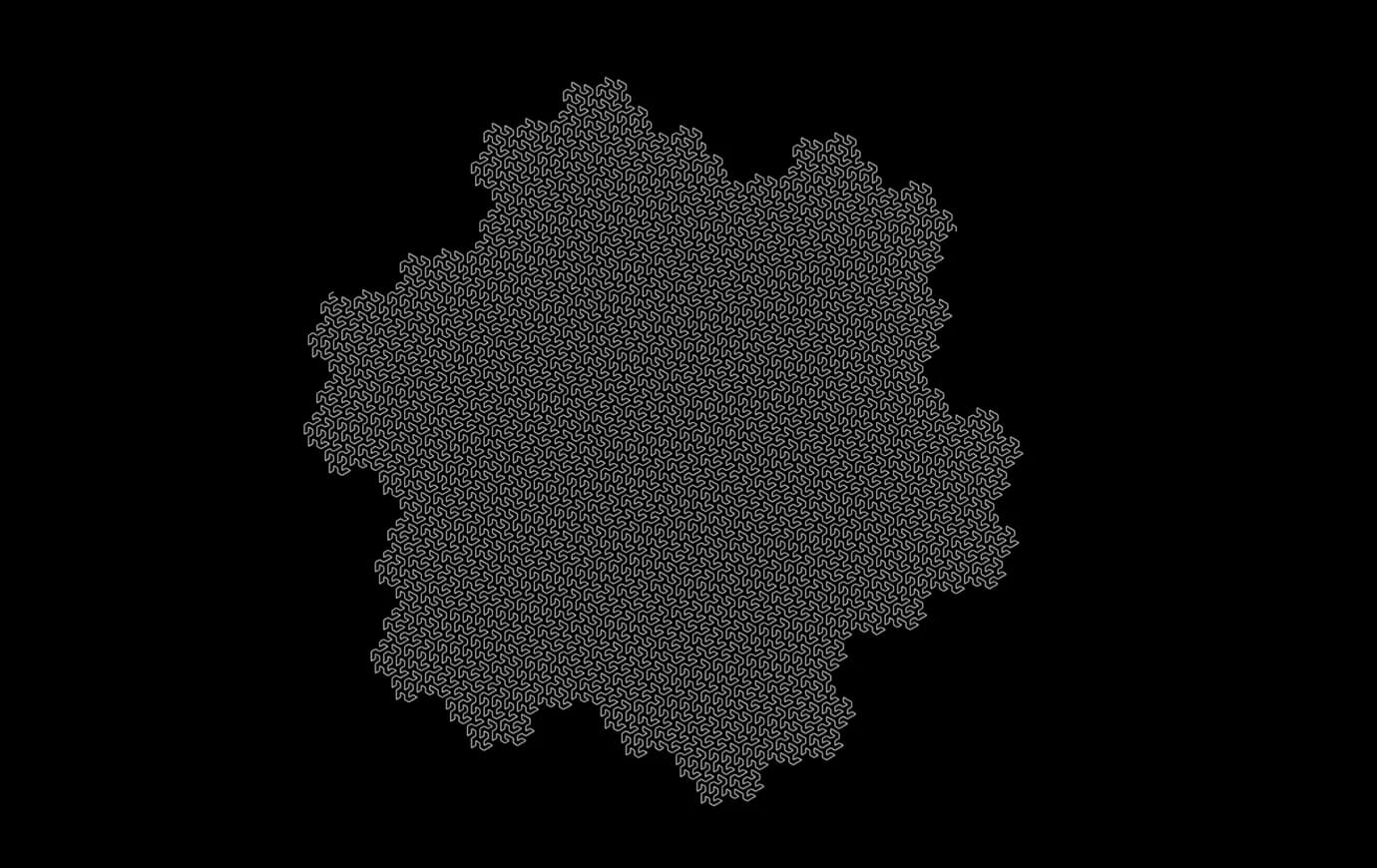
Gosper Curve
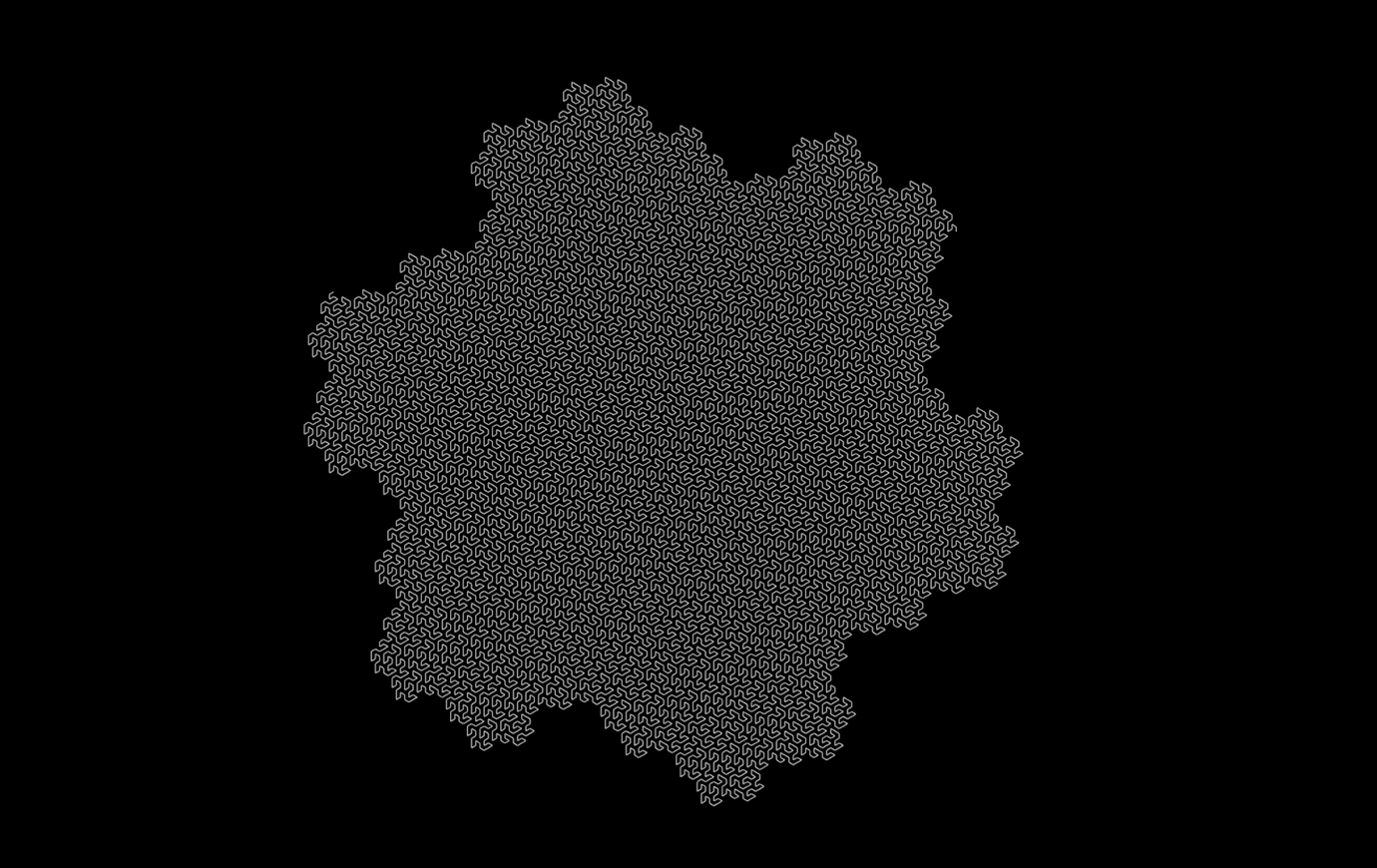
- Axiom:
F - Rules:
F → F+R++R-F--FF-R+R → -F+RR++R+F--F-R
- Depth: 5
- Angle: 60°
More Info
You’ll find documentation in HTML format inside the documentation/ folder.
Take your time with the UI and tooltips — some experimentation will help a lot.
L-Systems can also be used beyond geometry, even in music.